The easiest way for a customer to leave a Google review
Record a voice message, then post the transcribed text to your Google review page.
14-day free trial. Card required to start, no charge until it ends, cancel anytime.
Included on all paid plans.
How a voice message becomes a Google review
One click takes them from their own words to your Google review page.
Customer records their voice message
From your flyer, your website widget, or a campaign page. By default they verify with a code, then talk.
Voice message is transcribed
Their words become the review text. They can edit the transcription before they copy it.
One click opens your Google review page
Their text is already copied. No searching for your listing.
Paste your review, pick stars and post it
They paste it, pick their stars, and post.
Easy to share and promote per business location.
“I meant to leave a review. I just never got around to it.”
The most honest sentence in local business. Here is what gets in the way, and what Voicegram does about it.
Reason: They forgot.
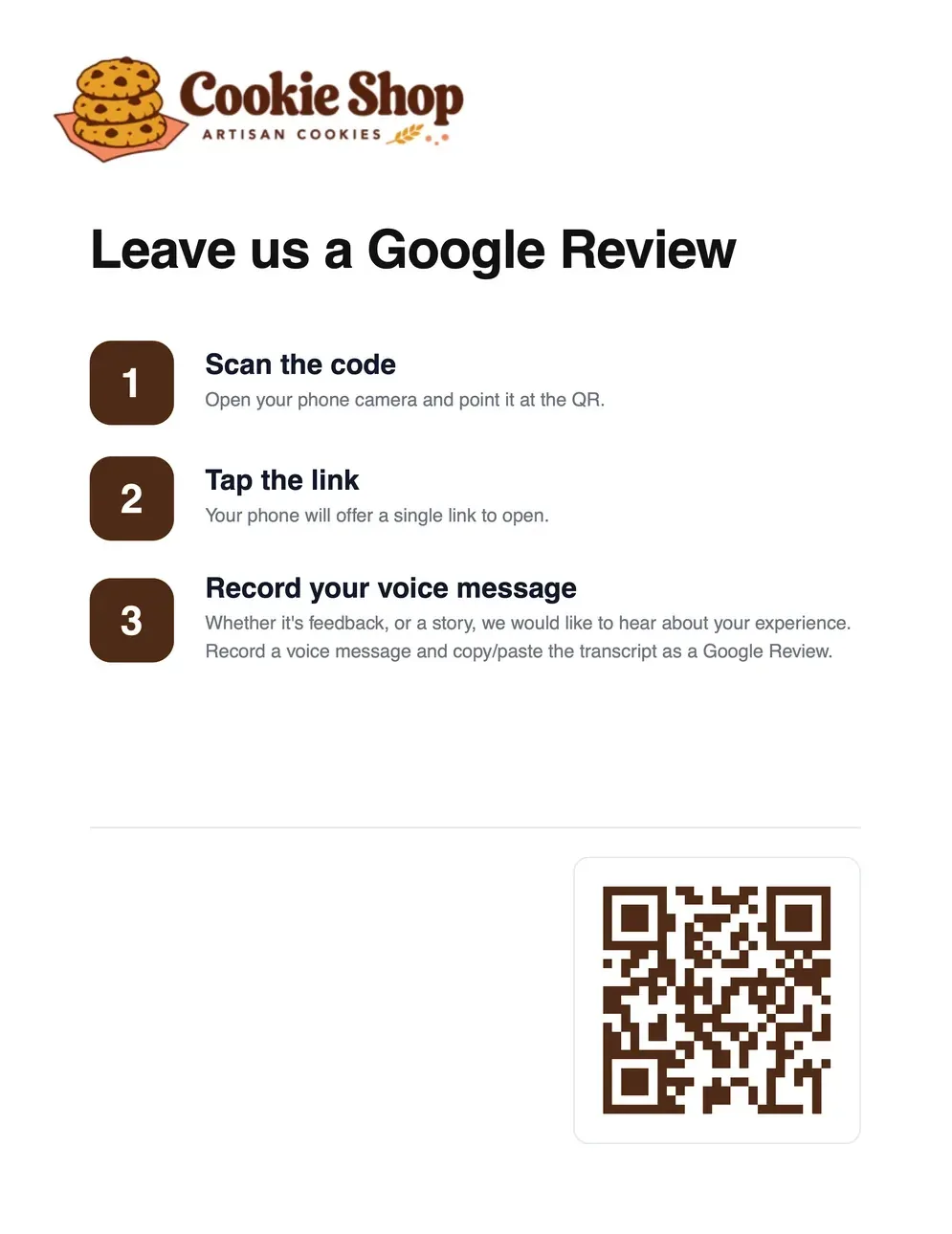
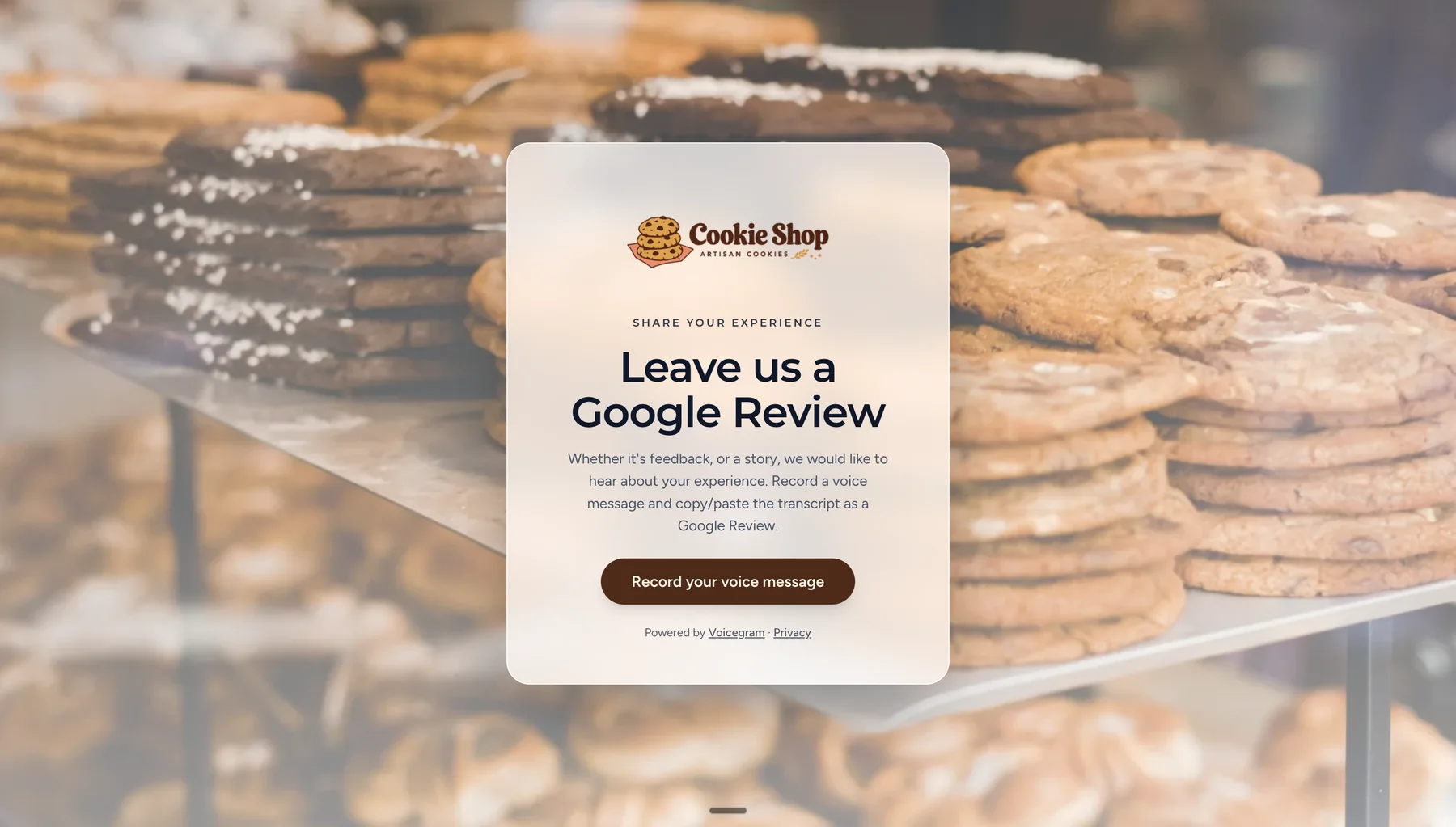
With Voicegram: With Voicegram, the ask is wherever they already are: a flyer on your counter or wall, your website widget, or a Voicegram campaign page. They record their Google review right there.
Reason: They couldn't find your review page.
With Voicegram: Voicegram takes them from your page straight to it, with their words already copied. They paste, pick their stars, and post.
Reason: They didn't know what to write.
With Voicegram: They just talk about their visit, which gives the review its most natural context. Their own words become the review text, ready to post as is or edit first.
Reviews that read like a person wrote them
The review is the transcript of what your customer said. Nothing is rewritten, nothing is scripted.
Full context, in their words
A typed review is a sentence. A spoken one has the detail: what happened, who it was for, and why they would come back. That is what convinces the next reader.
Nothing that looks generated
Google's moderation now targets reviews that look AI-written or templated, and readers are suspicious of them too. Voicegram never writes or rewrites the review. Every word is the customer's.
It was ready in ten minutes and everyone at the party asked where it came from.
One location or all of them
Add every location to your list, then give the ones you run a page, a flyer, and their own Google review link, and see which ones are bringing in reviews.
Set up every location in minutes
Add each location with its Google review link.
The right review page, every time
The locations you run each get their own branded page and printable flyer, so a customer at your business lands on that location's Google listing, never the wrong one.
Know which locations are winning reviews
Your inbox shows where every message came from and who recorded a message to leave a Google review.
The recording is yours
Every review starts as a voice message you can download and keep, with the audio, the transcript, and a summary.
A Google review lives on Google. The recording lives with you.
Play the Voicegram in a team meeting, share it with your team, quote it on your website, or bring it to your next product review so your colleagues listen and empathize with the customer.
“Hands down the best cookie shop in town. I came in for a birthday cake and Marisol at the counter let me taste two flavors before I picked one, then wrote the message on it by hand while I waited. It was ready in ten minutes and everyone at the party asked where it came from. I will be back for the cookies.”
Jordan calls it the best cookie shop in town. They came in for a birthday cake, and Marisol at the counter let them taste two flavors before they picked one, then wrote the message on it by hand. The cake was ready in ten minutes.
Frequently asked questions
Straight answers on how the review step works.
More Google reviews, starting today
Set up your first location in a few minutes and start collecting Google reviews right away.
Start your free trial14-day free trial. Card required to start, no charge until it ends, cancel anytime.